
Display driver rollback lifecycle
How rollback selects an earlier graphics driver without implying a reset of the display stack or hardware. Key sections: Rollback has a defined direction.
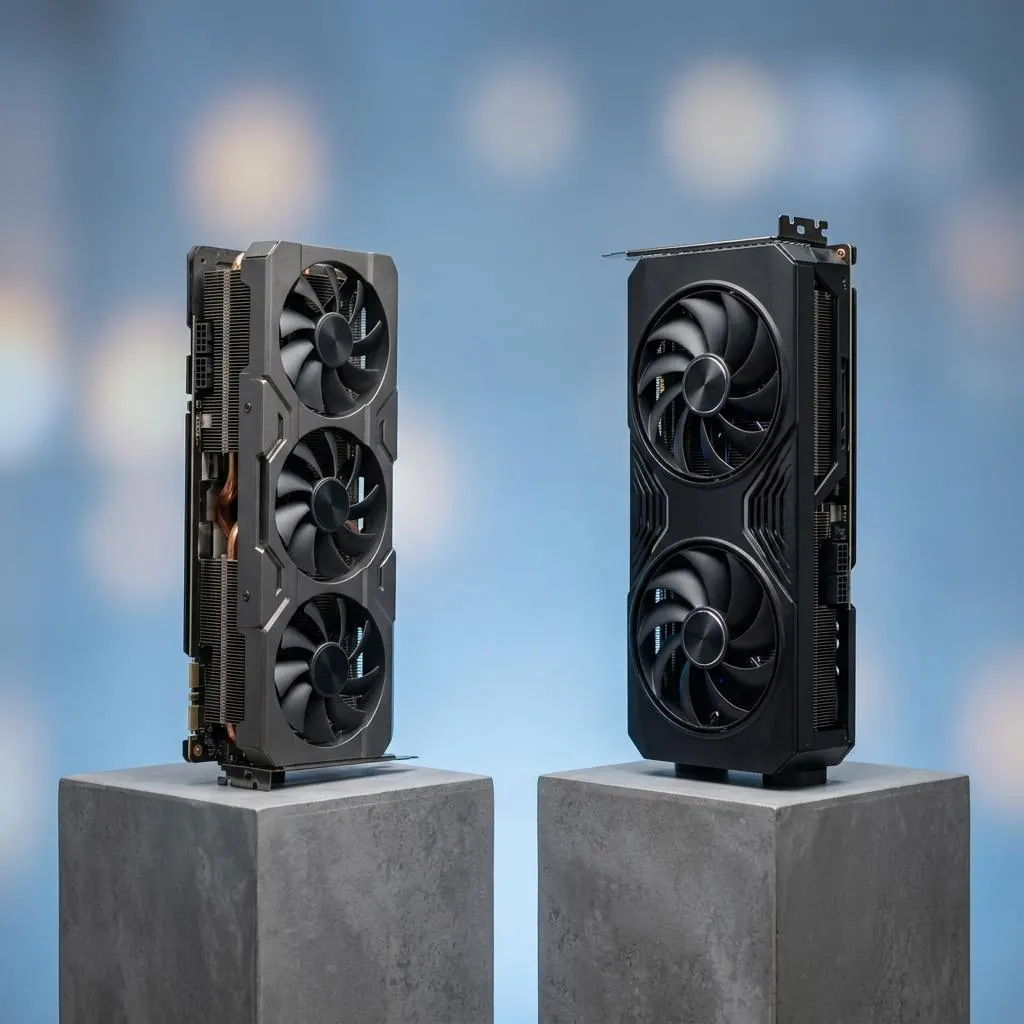
Rollback has a defined direction
Rollback describes a transition to an earlier graphics driver or component record when the required files and metadata remain available. It is not a universal reset of display modes, monitor settings, firmware, or application state.
Retention is evidence of history
The Driver Store can retain driver files and metadata, while device-installation records can preserve ranking and history. Those records document previous candidates but do not establish that an older version is active or compatible with every current display relationship.
Graphics components can diverge
Kernel-mode, user-mode, control-plane, display miniport, and monitor-related components can have separate records. An earlier record for one component does not automatically describe every part of the graphics and display stack.
Runtime state remains local
Adapter activation, monitor detection, mode enumeration, display paths, and presentation each have their own boundaries. A rollback record should identify the selected driver or component rather than imply that the complete visual state was restored.
Reference facts
- Rollback object
- An earlier selected graphics driver or component record
- Retained information
- Driver files, metadata, ranking, and installation history
- Independent layers
- Adapter, display, monitor, mode, and presentation runtime
Questions and answers
Does rollback restore an earlier monitor mode?
Not by definition. Driver selection and mode selection are separate records.
Is an older driver always available for rollback?
No. Availability depends on retained files and installation records, not on the rollback label itself.
Does rollback include GPU firmware?
No. Host drivers and device firmware have separate lifecycles.